
If you’ve been asking yourself: “How to improve CTR?” — you’re in the right place. In this guide, we’ll explore actionable strategies that help boost your click-through rate, from writing irresistible headlines to optimizing meta descriptions. Whether you’re running affiliate campaigns or managing paid ads, AdgoHub is here to share proven techniques to take your CTR to the next level.
What Is Click-Through Rate (CTR)?
Before learning how to improve CTR, it’s important to understand what CTR actually means.
Click-Through Rate (CTR) is a metric that shows how often people who see your link, ad, or call-to-action (CTA) actually click on it. It’s calculated as follows:
CTR Formula:
CTR = (Clicks / Impressions) × 100
Example: If 100 people see your ad and 5 of them click on it, your CTR is 5%.
In digital marketing, especially with Google Ads or affiliate offers, a click is recorded when a user interacts with your ad on the search results page and visits your landing page, app, or signup form. In short, CTR reveals how effective your content is at driving users to take action.
Why Is CTR So Important?
- You may wonder: Is CTR really worth paying attention to? The answer is yes — and here’s why:
- Audience Insights – CTR tells you how well your message resonates with your target users.
- Campaign Performance – A low CTR can indicate weak targeting or an unconvincing ad copy. Sometimes, your ads might not even go live due to platform restrictions or policy violations, issues like TikTok promotion not approved are common examples that can drastically impact your campaign visibility and CTR.
- Better ROI – Higher CTR usually leads to lower cost-per-click (CPC) and improved conversion rates.
- Affiliate Success – In affiliate marketing, CTR directly affects how much traffic you drive to offers and, ultimately, how much you earn.
How to Improve Click-Through Rate (CTR) in 18 Proven Ways
If you’re searching for the most effective strategies on how to improve CTR, you’ve landed on the right guide. Boosting your Click-Through Rate isn’t just about getting more clicks — it’s about attracting the right audience, improving engagement, and ultimately driving more conversions.
Here are 18 powerful ways to increase CTR that you can start applying today.
1. Write Compelling Meta Descriptions
Your meta description acts as a “mini-ad” for your content in search results. A strong snippet should:
- Explain clearly what the page is about.
- Spark curiosity or highlight value.
- Encourage the reader to take action.
- The more persuasive your meta description, the higher your chances of winning that click.
2. Keep Titles Clear and Simple
Your title tag is often the first thing people see. Since users tend to scan quickly, straightforward titles that highlight the exact value of your content usually outperform over-complicated ones. Think clarity first, creativity second.
3. A/B Test Headlines
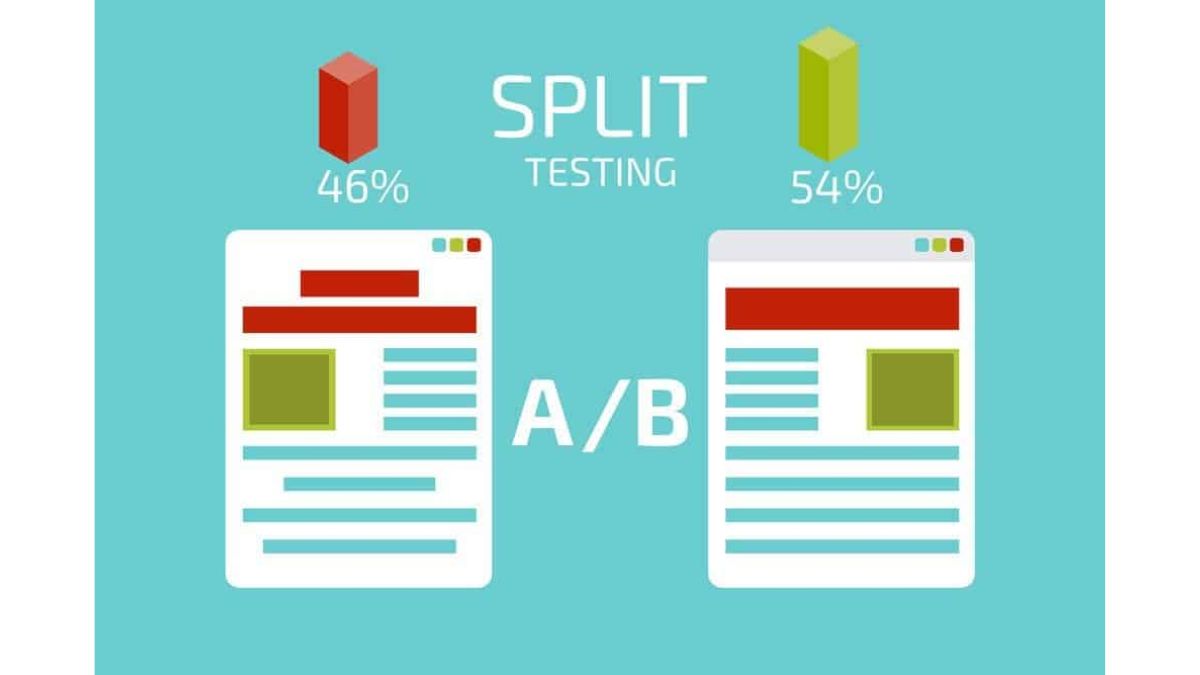
Your headline is your hook. To figure out what resonates most with your audience:
- Publish with one headline.
- Share it on social media.
- After a few days, update with a different version.
- Compare engagement.
Whichever version drives more clicks should become your go-to style for future posts.
4. Use Google Ads for Previews
Ad preview tools allow you to test how different headlines and descriptions look on both desktop and mobile. This helps refine your messaging before going live and can inspire fresh ideas for content optimization.
5. Improve Site Speed
A slow website can ruin your CTR. Research shows that if a page takes 3 seconds to load, bounce rates can increase by 32%. That means fewer clicks and lost traffic. Optimizing for Google’s Core Web Vitals is now essential for both rankings and user experience.
6. Leverage Yoast Snippet Preview
If you’re using WordPress, the Yoast SEO plugin can preview how your page will appear in SERPs. This tool highlights missing keywords or weak descriptions, so you can adjust before publishing.
7. Use the Listicle Format
List posts are easy to scan and naturally attract clicks. Adding numbers to your title (e.g., “10 Ways to Boost CTR”) signals that readers will get structured, digestible information. Plus, listicles often increase your chances of winning featured snippets.
8. Create Descriptive, Short URLs
Your URL should clearly reflect the page’s topic. Including your target keyword helps both users and search engines recognize relevance. Short, clean URLs also look more trustworthy and are more clickable.
Read more: How to Do Affiliate Marketing with YouTube Shorts Effectively
9. Add Relevant Images
Visuals make your content more engaging and increase dwell time. Images can also help your content appear in rich results and Google’s image search, giving you extra visibility and higher CTR opportunities.
10. Target Long-Tail Keywords
Long-tail keywords match specific search intent. When users see highly relevant phrases in your title or heading, they’re more likely to click because they know your content directly addresses their needs.
11. Implement Structured Data (Schema Markup)
Structured data helps search engines understand your content better and display rich results (like FAQs, ratings, or product details). Rich snippets not only stand out but also increase credibility, boosting CTR.
12. Localize Your Content
If you run a local business or affiliate campaigns targeting specific regions, localization is key. Tailoring your content to local audiences increases relevance and attracts high-intent users ready to take action.
13. Identify CTR Winners and Losers
Regularly review your analytics to see which pages have the highest and lowest CTR. By analyzing what works (headline styles, content formats, or CTAs), you can replicate success across underperforming pages.
14. Use Rich Snippets
Reviews, star ratings, and product details displayed in search results make your listings more attractive. You can add them via schema markup or plugins — either way, they improve trust and encourage clicks.
15. Design High-Converting Landing Pages
Landing pages should do more than just attract visitors — they need to convert. Key elements include
- A clear and engaging headline.
- High-quality visuals or videos.
- Persuasive copy and strong CTAs.
- Fast load speed and mobile-friendly design.
An optimized landing page increases both CTR and conversion rates.
16. Enable Breadcrumb Navigation
Breadcrumbs make your site easier to navigate for both users and search engines. They enhance user experience, keep visitors on-site longer, and improve how your listings appear in search results — all factors that contribute to a better CTR.
17. Analyze User Behavior with Heatmaps
Heatmap tools reveal exactly where visitors are clicking and where they’re dropping off. This data shows which parts of your page attract attention and which areas need improvement, helping you optimize for higher engagement.
18. Monitor Google Analytics Reports
Google Analytics is a goldmine for improving CTR. Use it to:
- Track impressions, clicks, and bounce rates.
- Identify underperforming pages.
- Test different CTAs and layouts.
With data-driven insights, you can continuously refine your content and boost both engagement and ranking.
How to Find Which Pages Should Be Optimized for CTR
One of the most important steps in learning how to improve CTR is knowing which pages need attention. Optimizing the wrong content wastes time, while focusing on high-potential pages can deliver quick wins.
Here’s how you can identify pages worth optimizing using Google Search Console:
Step-by-Step Process
Step 1: Log in to Google Search Console: Select your property, then go to Performance > Search Results.
Step 2: Adjust the Date Range: By default, the report shows data from the last 3 months. That’s a good starting point, but you may want to adjust depending on your site’s traffic volume or seasonal patterns.
Step 3: Choose Key Metrics: Focus on these three scorecards: Total impressions, Average CTR, Average position
Step 4: Use Filters for Precision: Click the “+ New” filter option to narrow results by:
- Target country
- Topic or keyword category relevant to your business
Step 5:Segment Your Data: Use the filter menu (top-right corner of the table) to focus on:
- Pages ranking in positions 1–6
- Pages with CTR lower than your site’s average
- These are the low-hanging fruit — pages already visible in search but underperforming in clicks.
Step 6: Align with Business Goals: Look for queries or topics that match your brand relevance. Optimizing CTR here ensures your traffic growth is both meaningful and profitable.
Read more: What Is AOV in Affiliate Marketing? Quick Guide 2025
Is a High CTR Good or Bad?
Marketers often ask whether having a high CTR is always a good thing. The answer: it depends on context. Generally, a high click-through rate is a strong signal of relevance. It shows that your headlines, descriptions, and positioning resonate with your audience. This usually leads to improved search rankings and greater brand visibility, which benefits any business.
However, CTR measures only clicks — not conversions. A campaign might generate plenty of traffic but fail to produce meaningful results such as purchases, sign-ups, or leads. In paid advertising, this can be especially risky: even with a high CTR, if the cost per conversion is too high, profitability suffers.
The key takeaway is that a high CTR is valuable, but it’s not the ultimate goal. To truly succeed, you need to balance click-through rates with conversion-focused strategies. This ensures that the traffic you attract actually supports your business objectives.
Final Thoughts
Improving CTR starts with knowing which pages to optimize and understanding how click behavior impacts your business. By using tools like Google Search Console and applying the right filters, you can uncover hidden opportunities for growth. Remember: CTR is only part of the bigger picture. Combine strong CTR performance with conversion optimization to maximize results.
With the right approach, and insights from AdgoHub, you won’t need to wonder how to improve CTR anymore – you’ll already be putting proven strategies into action.
Discover more affiliate tips here: